
win7 에서도 netframework 4.6.01 이상이면 잘 설치 됩니다.
새버전은 wacs.exe 입니다.
C:\inetpub\letsencrypt> wacs.exe

 [INFO] A simple Windows ACMEv2 client (WACS)
 [INFO] Software version 2.1.0.539 (RELEASE, UNPLUGGABLE)
 [INFO] IIS version 8.5
 [INFO] Running with administrator credentials
 [INFO] Scheduled task looks healthy
 [INFO] Please report issues at https://github.com/PKISharp/win-acme

 N: Create new certificate (simple for IIS)
 M: Create new certificate (full options)
 L: List scheduled renewals
 R: Renew scheduled
 S: Renew specific
 A: Renew *all*
 O: More options...
 Q: Quit

 Please choose from the menu: r

 [INFO] Renewal for [IISBinding] gpan.webtest.kr is due after 03/15/20
20 09:00:37
 [INFO] Renewal for [IISBinding] www.webtest.kr is due after 03/16/2020 09:
00:10

 N: Create new certificate (simple for IIS)
 M: Create new certificate (full options)
 L: List scheduled renewals
 R: Renew scheduled
 S: Renew specific
 A: Renew *all*
 O: More options...
 Q: Quit

 Please choose from the menu: q
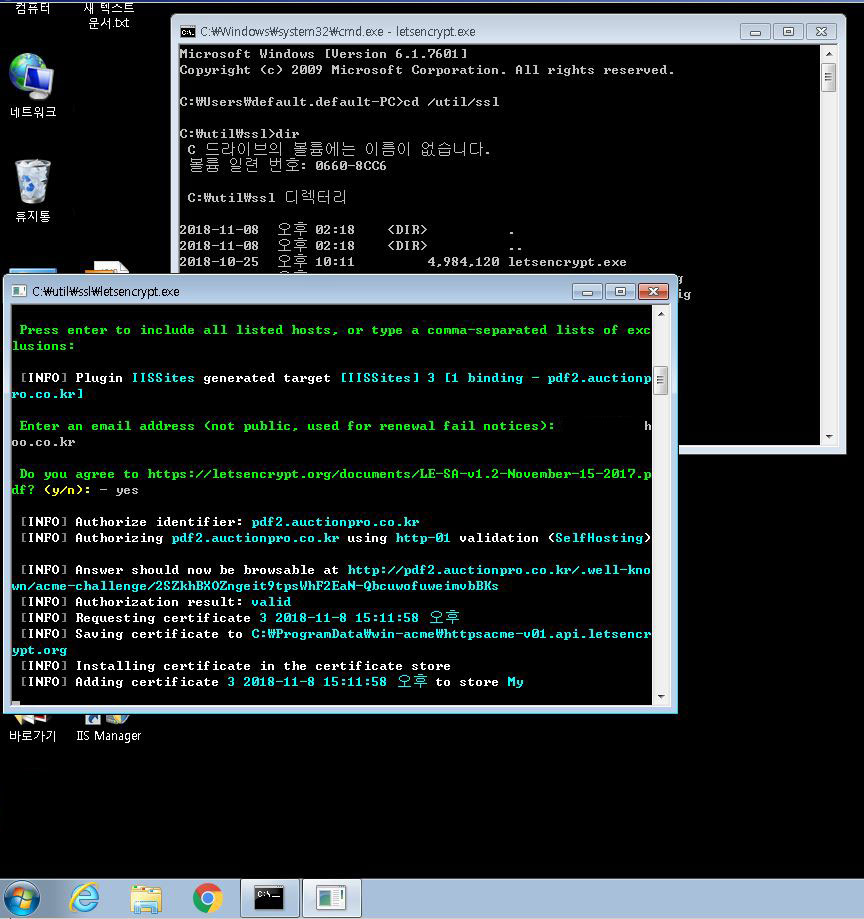
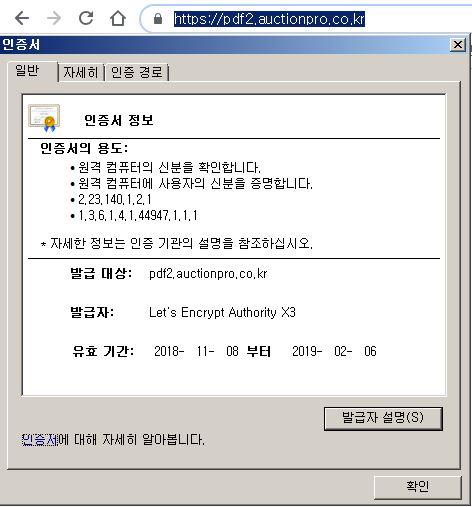
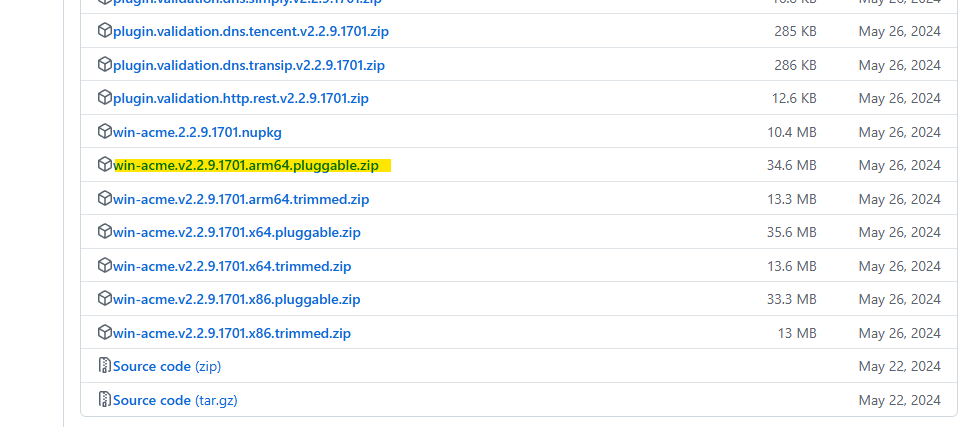
1.다운로드
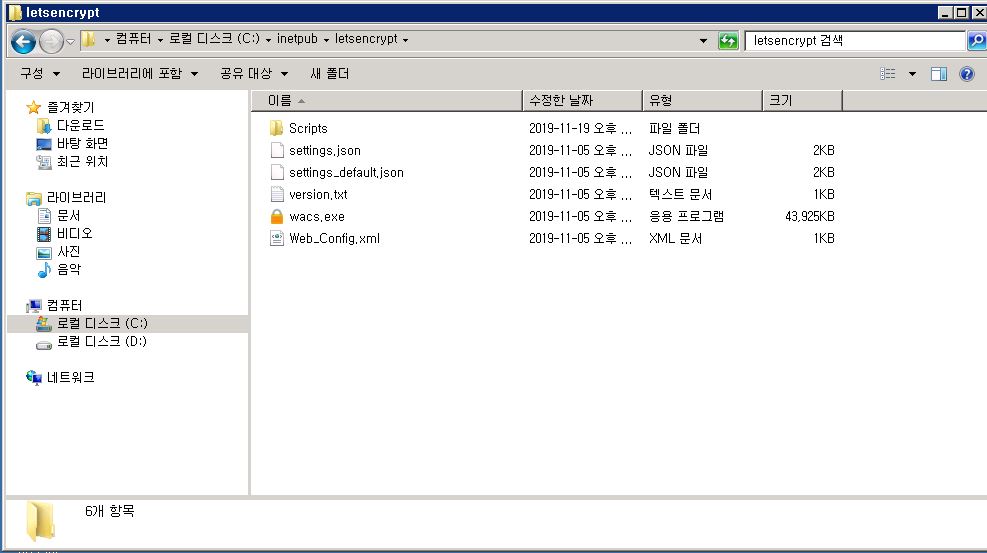
2.압축풀기
3.0 netframework4.6.01 이상 필요
참조 : https://auctionpro.co.kr/?p=5648
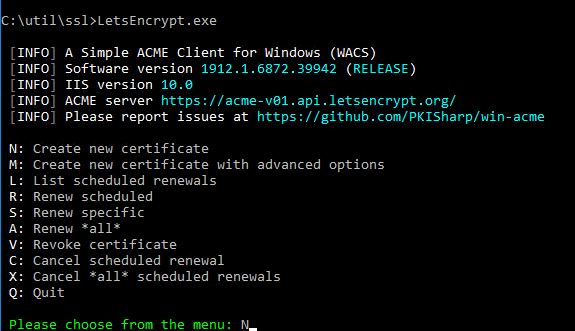
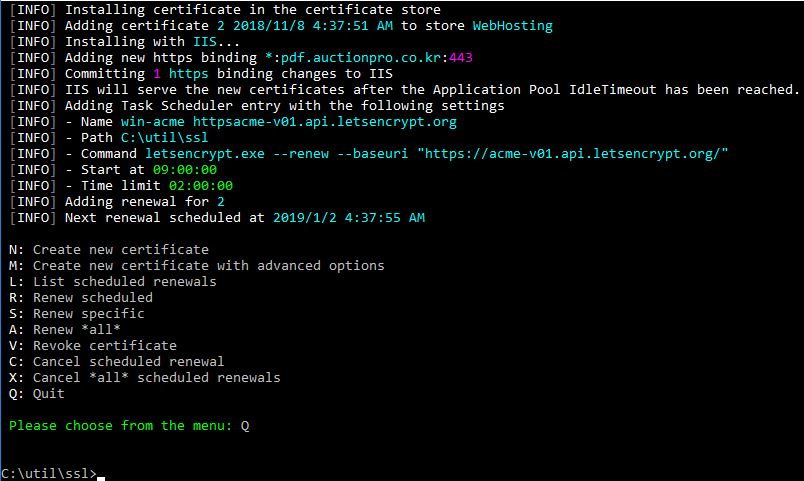
3.도스에서 실행
LetsEncrypt.exe 파일이 새버전 에서 wacs.exe 로 변경 되었습니다.


3.1 오류시
 [pdf.auctionpro.co.kr] Authorizing...
 [pdf.auctionpro.co.kr] Authorizing using http-01 validation (SelfHosting)
 [pdf.auctionpro.co.kr] Authorization result: invalid
 [pdf.auctionpro.co.kr] {
  "type": "urn:ietf:params:acme:error:connection",
  "detail": "Fetching http://pdf.auctionpro.co.kr/.well-known/acme-challenge/n3L2iFn3idR36LG0P9hPIVYMuz8V1ejvi9ki1AAddoo: Timeout during connect (likely firewall problem)",
  "status": 400
}
해결 : 해외에서 사이트가 안열려 사이트의 존재를 알수 없다는 에러 -> 해외에서 사이트를 열 수 있도록 방화벽 정책 허용
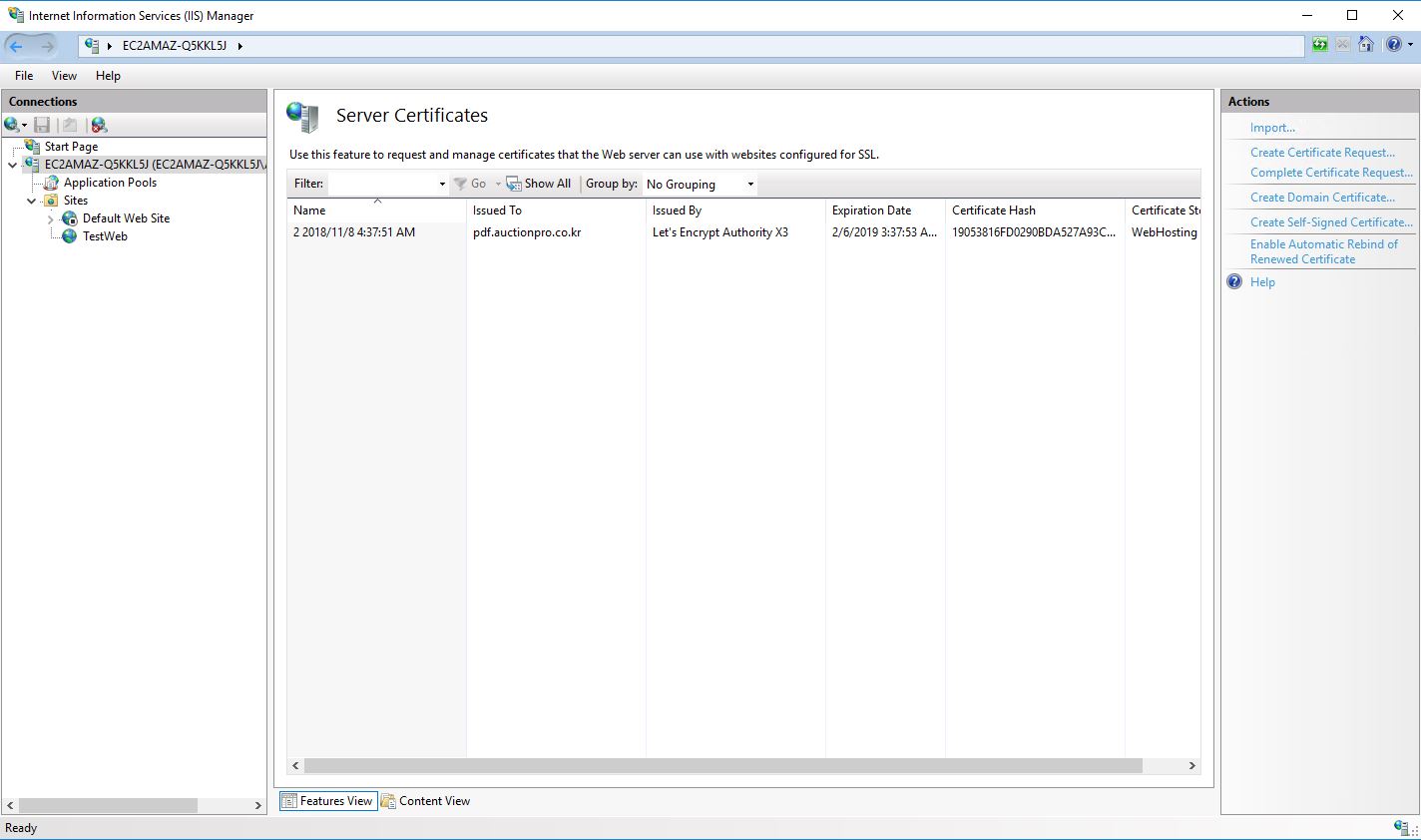
4. IIS 에서 확인

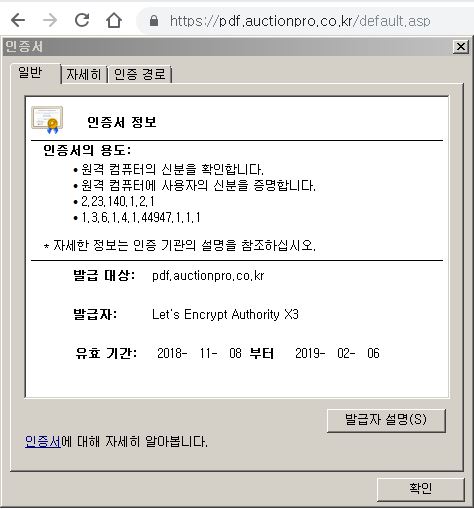
5. 사이트에서 확인
참조 : https://weblog.west-wind.com/posts/2016/Feb/22/Using-Lets-Encrypt-with-IIS-on-Windows#windows-and-iis–not-a-first-class-citizen